
CloneUI
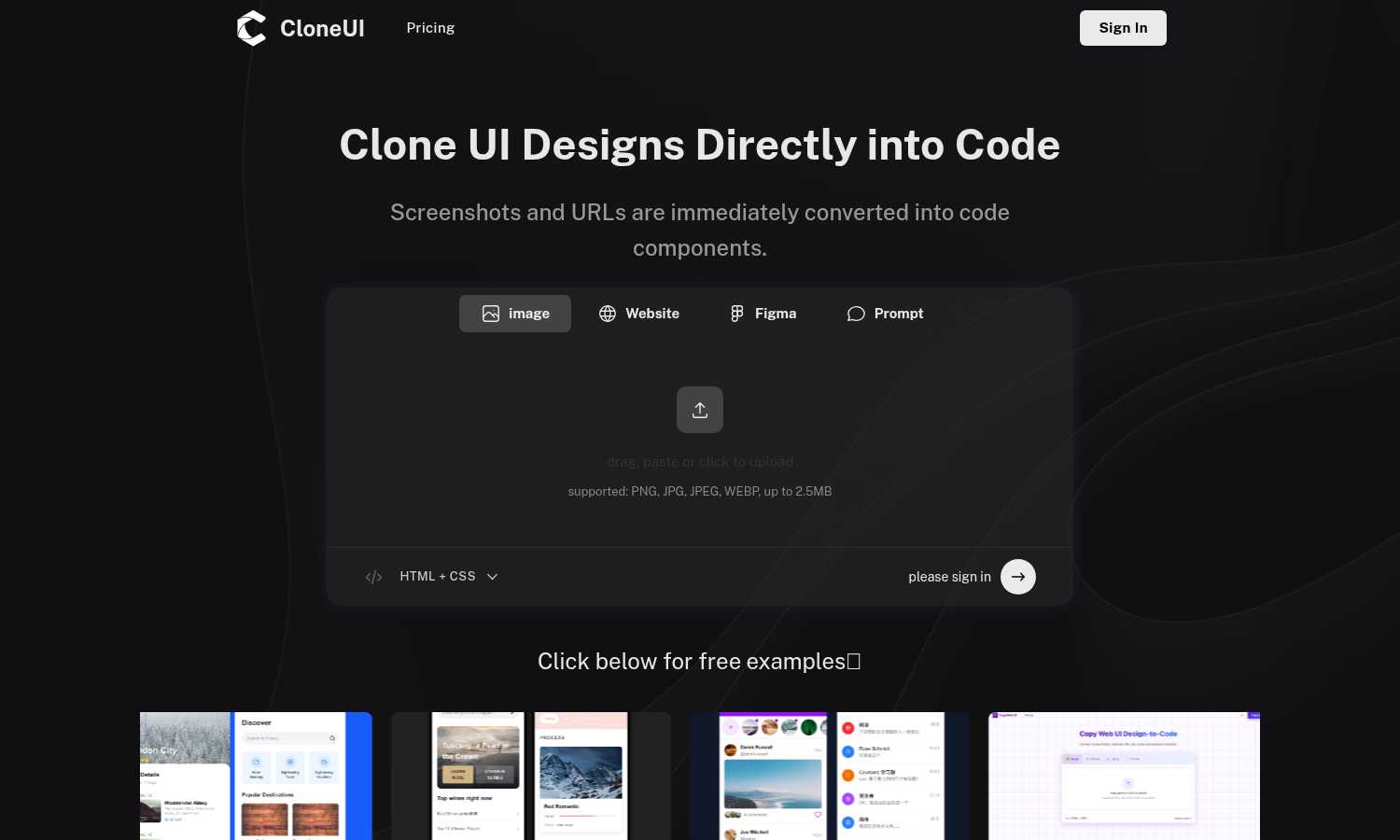
CloneUI effortlessly transforms screenshots and URLs into responsive, production-ready code for seamless web.
About CloneUI
CloneUI is an advanced AI-driven tool that revolutionizes the way developers and designers convert website designs into production-ready code. With its intuitive interface, CloneUI allows users to upload screenshots or enter URLs, instantly generating clean and responsive HTML, CSS, React, or Vue components. This powerful tool is designed for professionals and novices alike, streamlining the workflow by automating the time-consuming task of manual coding. By utilizing CloneUI, users can focus on their core creative processes and project execution, rather than getting bogged down in the minutiae of coding. The main value proposition of CloneUI lies in its ability to produce high-quality output that meets industry standards while significantly reducing development time. Whether you're a freelance developer, a design team, or a startup looking to speed up your web development process, CloneUI is your go-to solution for transforming designs into functional code with remarkable ease and efficiency.
Features
Convert Screenshots to Code
With CloneUI's screenshot-to-code feature, users can simply upload their design images and receive pixel-perfect, responsive code in seconds. This functionality eliminates the need for tedious manual coding, making the design-to-development transition seamless.
Clone from URL
By entering a website URL, users can effortlessly replicate entire website structures. This feature allows for quick and easy cloning of web pages, ensuring that the code generated is an accurate reflection of the original design.
Convert Figma Designs to Code
CloneUI supports one-click conversion of Figma designs into clean code, making it an ideal choice for designers who want to streamline their workflow. This feature ensures that designs created in Figma are translated accurately into HTML, CSS, or JavaScript components.
Intelligent Component Recognition
Utilizing AI-powered technology, CloneUI automatically identifies and maps UI components within designs. This intelligent recognition ensures that the generated code is organized and adheres to best practices in coding, enhancing the overall quality of the output.
Use Cases
Rapid Prototyping
Developers can use CloneUI to quickly turn design concepts into functional prototypes. This allows for faster iterations in the design process, enabling teams to test and validate ideas before committing to full development.
E-commerce Site Development
CloneUI is perfect for e-commerce developers who need to replicate existing website designs for new projects. By cloning from screenshots or URLs, they can save time and resources, ensuring their online stores are visually appealing and functional.
Freelance Projects
Freelancers can leverage CloneUI to enhance their service offerings by delivering production-ready code to clients quickly. This not only increases their efficiency but also improves client satisfaction through faster turnaround times.
Educational Use
CloneUI serves as an excellent educational tool for coding students and new developers. By allowing them to convert designs into code, they can learn best practices and understand how design elements translate into functional web components.
Frequently Asked Questions
Which input formats are compatible with CloneUI?
CloneUI supports various image formats for uploads, including PNG, JPG, JPEG, and WEBP, with a maximum file size of 2.5MB. This ensures flexibility for users when uploading their design screenshots.
How is the code generated?
The code is generated using advanced AI algorithms that analyze the uploaded designs or URLs. CloneUI interprets the visual elements and converts them into clean, responsive code, ready for production use.
Supported frameworks?
CloneUI allows users to export their code in multiple frameworks, including React, Vue, and plain HTML/CSS. This flexibility makes it easier for developers to integrate the output into their preferred tech stack.
Is the generated code customizable?
Yes, the generated code can be customized further to meet specific project requirements. Users can edit the output to align with their design vision or functionality needs, ensuring maximum adaptability.
Similar to CloneUI
Forms Plugin
The #1 Native Form Builder Plugin for Framer - No Code, No Embeds, No External Platforms.

Presentation Intelligence
AI-native presentation and visual content platform that turns prompts, documents, images, videos, and data into polished, shareable decks.

Built2Win AI Indexing
Custom PHP websites, AI Indexing Pack ($599 one‑time), and WebAgentScan SaaS ($9/mo). MCP, A2A, llms.txt, full ownership.



IsThisAIImage
Free AI image checker: upload a photo for AI-generated and deepfake scores, a clear verdict, and optional generator hints.
Merge Two Photos
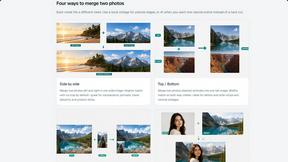
Merge two photos free in your browser: side by side, stacked, overlay, or AI. Download a clean PNG, no watermark.
StopScroll
StopScroll is an AI thumbnail maker that generates YouTube thumbnail concepts from a URL, title, or prompt.