
Proofapp vs Style AI
Side-by-side comparison to help you choose the right AI tool.

Proofapp
Stop endless email feedback by pinning comments directly on your website.
Last updated: March 4, 2026

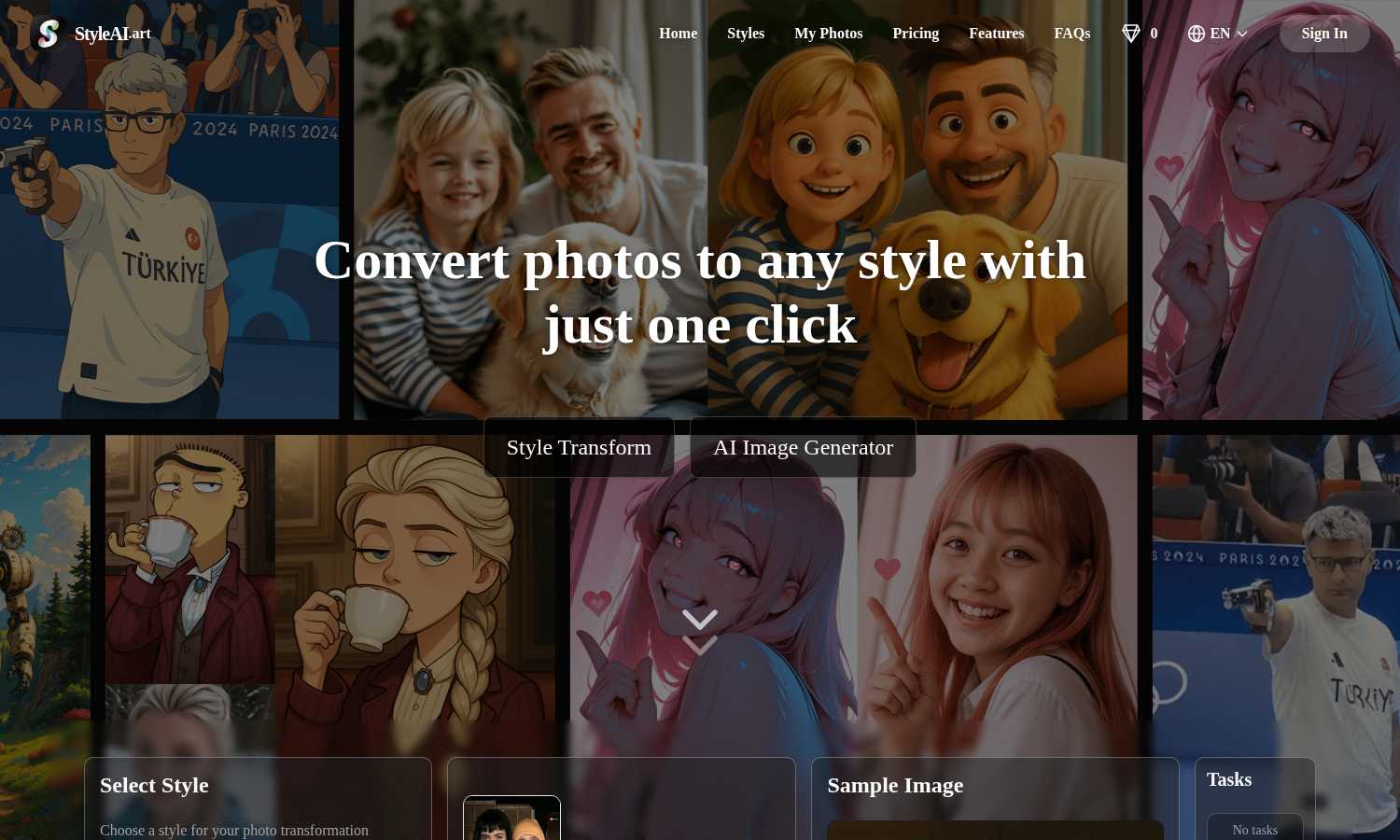
Style AI instantly transforms your photos into captivating artistic styles with just one click, unleashing your.
Last updated: March 1, 2026
Visual Comparison
Proofapp

Style AI
Feature Comparison
Proofapp
Visual Commenting
This is the heart of Proofapp. Instead of describing changes in lengthy emails, reviewers simply click on any part of the captured website screenshot to leave a comment. This pins the feedback directly to the exact pixel, eliminating confusing instructions like "move the button a bit to the left, under the header." Comments support rich threads, allowing for back-and-forth discussion directly on the design element in question, ensuring perfect clarity and context for every piece of feedback.
Multi-Breakpoint Testing
Proofapp understands modern web design requires a responsive approach. When you submit a URL, it automatically generates screenshots for both desktop and mobile views in one go. This allows teams and clients to review the user experience across critical breakpoints simultaneously, catching layout or functionality issues specific to each device without needing to manually resize browsers or take separate screenshots.
Secure, Account-Free Sharing
Streamlining client collaboration is a priority. With Proofapp, you can share a review project by generating a secure, shareable link. The powerful feature is that your clients or external stakeholders do not need to create an account or log in to view the screenshots and leave comments. This drastically reduces friction in the feedback collection process, making it as easy as sending a link, while you maintain control over project access.
Real-Time Collaboration & Resolution
Feedback becomes a live conversation. Team members and clients see new comments and replies appear in real-time, fostering a dynamic collaborative environment. Each comment can be marked as "resolved" once the feedback has been addressed, providing a clear, visual progress tracker for the entire project. This feature turns a static list of notes into an actionable workflow, ensuring nothing falls through the cracks.
Style AI
Style Transform
Style AI's core feature allows users to transform any image into their desired artistic style with just a single click. With a diverse selection of styles to choose from, including Ghibli, Pixar, and retro photo effects, users can easily enhance their images to match their creative intentions. This feature makes it simple for anyone to produce professional-looking artwork without requiring advanced editing skills.
Natural Language Editing
With Style AI's natural language editing capabilities, users can make detailed image modifications using simple text commands. This intuitive feature interprets user instructions and executes the desired changes, whether it involves altering clothing, adding props, or refining specific elements within the image. This ensures that users can communicate their vision clearly and see it realized in their photos.
Seamless Photo Merging
Style AI excels in seamlessly combining multiple photos into a single cohesive image. This feature is particularly beneficial for creating group photos when individuals are in separate images or for placing people in new backgrounds. By maintaining consistent lighting and perspective, Style AI delivers natural-looking results that enhance the overall visual appeal.
Pixel-Perfect Control
For those seeking precision in their edits, Style AI offers pixel-perfect control over individual elements within an image. Users can make targeted adjustments to specific areas while preserving the integrity of the rest of the photo. This level of control allows for professional-grade edits, empowering users to achieve their desired outcomes with accuracy.
Use Cases
Proofapp
Freelancer-Client Website Approvals
Freelancers and independent contractors can use Proofapp to present website drafts to clients professionally. Instead of exchanging dozens of emails with attached, annotated images, they share a single Proofapp link. Clients click to give precise visual feedback, which the freelancer can then address and mark as resolved. This use case saves hours per project, reduces miscommunication, and presents a polished, efficient workflow that enhances client trust and satisfaction.
In-House Design & Development Handoff
Internal teams can streamline the handoff process between designers and developers. A designer can upload a live prototype or staging site URL to Proofapp. Developers can then click directly on elements to ask specific implementation questions, report bugs visually, or confirm design specs, all within the context of the design itself. This visual thread creates a clear audit trail and reduces back-and-forth in chat apps.
Marketing Team Landing Page Reviews
Marketing teams often need collective input on campaign landing pages from copywriters, designers, and managers. Proofapp allows the entire team to collaborate on a single page simultaneously. Stakeholders can pin comments on headlines, call-to-action buttons, or form fields, ensuring all feedback is consolidated visually in one place, speeding up the revision process before the page goes live.
Agency Managing Multiple Client Projects
Digital agencies managing several client websites can use Proofapp as a centralized feedback hub for all projects. They can organize reviews by client or project, using the platform's dashboard to track open and resolved comments across all active work. The account-free sharing for clients simplifies their process, while the agency benefits from a standardized, professional review system that scales with their workload.
Style AI
Social Media Content Creation
Style AI is perfect for social media influencers and content creators looking to enhance their posts. By transforming ordinary photos into stunning artistic visuals, users can capture attention and stand out in crowded feeds, making their profiles more engaging and visually appealing.
Unique Artwork Generation
Artists can leverage Style AI to generate unique artwork by converting their photographs into various artistic styles. This tool allows for experimentation and creativity, enabling artists to produce original pieces that reflect their personal style and vision, without the need for extensive manual editing.
Group Photo Enhancement
Families or friends can utilize Style AI to create beautiful group photos by merging individual images together. This feature is ideal for occasions where people are physically apart, allowing users to craft memorable images that capture the essence of togetherness, even when separated.
Visual Storytelling
Bloggers and marketers can use Style AI to create compelling visuals that tell a story. By converting images into thematic styles that align with their content, they can improve engagement and convey messages more effectively, enhancing the overall impact of their narratives.
Overview
About Proofapp
Proofapp is a visual feedback and collaboration platform designed to eliminate the chaos of traditional website and design review processes. It transforms how designers, developers, marketers, and their clients work together by making feedback visual, contextual, and organized. The core idea is simple: stop the endless email chains and vague notes. Instead, users paste any website URL, and Proofapp automatically captures clean screenshots at both desktop and mobile breakpoints. Reviewers can then click directly on the image to pin comments, creating a precise, visual dialogue that leaves no room for misinterpretation. Built with a mobile-first and user-centric approach, the platform requires no accounts for clients, offers real-time notifications, and integrates seamlessly into existing workflows. Whether you're a solo freelancer needing to collect client sign-off or an in-house team managing multiple project stakeholders, Proofapp's value proposition is clear: save significant time, reduce revision cycles by up to 60%, and ship higher-quality work faster by keeping all feedback actionable and in one centralized, visual dashboard.
About Style AI
Style AI is a revolutionary image transformation tool that harnesses the power of advanced artificial intelligence to elevate the way users enhance their photos. This innovative platform allows users to effortlessly convert their images into a wide variety of artistic styles, ranging from timeless classics to modern digital aesthetics. Designed for both artists and casual users, Style AI boasts a user-friendly interface that makes sophisticated editing accessible to everyone. With just one click, users can create stunning visuals perfect for social media, unique artwork, or simply to explore their creativity. The high-quality image transformations preserve the essence of the original photographs, ensuring that personal touch remains intact. Additionally, Style AI incorporates powerful features like natural language editing and seamless photo merging, solidifying its position as a game-changer in the digital creativity space. Whether you are looking to turn a family photo into a masterpiece or generate eye-catching content for your online platforms, Style AI is the ultimate tool for bringing your artistic visions to life.
Frequently Asked Questions
Proofapp FAQ
How do reviewers leave comments without an account?
The process is designed for maximum ease. When you create a project in Proofapp and share the generated secure link, anyone with that link can view the screenshots. They can click anywhere on the image to leave a comment, add attachments, and reply to threads immediately, without any sign-up form or login barrier. Account management is handled solely by the project creator.
Does Proofapp work on live websites or just static images?
Proofapp works directly on live websites. You simply paste any publicly accessible URL into the platform. It then uses its system to capture fresh, current screenshots of that live page at the defined breakpoints. This ensures feedback is always based on the most up-to-date version of the site or web app.
Can I review more than one page at a time?
Yes, Proofapp supports multi-page projects. You can add multiple URLs to a single project, and it will capture screenshots for each page. This is ideal for reviewing user flows, entire website sections, or a set of landing pages, keeping all related feedback organized together in one collaborative workspace.
What kind of files can I attach to comments?
To provide complete context, Proofapp allows users to attach various files directly to their comments. This typically includes images (like alternative design mockups), documents (PDFs, Word files), and other common file types. This ensures that all relevant reference material is pinned directly to the discussion point, avoiding separate email attachments.
Style AI FAQ
What is Style AI and how does it work?
Style AI is an AI-powered image transformation tool designed to convert your photos into various artistic styles. It uses sophisticated algorithms to analyze and enhance images while preserving core elements, allowing users to achieve stunning results with minimal effort.
How does Style AI merge multiple photos together?
Style AI utilizes advanced technology to seamlessly blend multiple images into one cohesive photo. It harmonizes aspects such as lighting, perspective, and style to ensure that the final result appears natural and visually appealing, perfect for creating group images.
Can I edit images using natural language commands?
Yes, Style AI allows users to edit images using natural language commands. This means you can simply describe the changes you want to make, and the platform will interpret your instructions to produce the desired modifications, making image editing more accessible.
Is Style AI suitable for both casual users and professionals?
Absolutely! Style AI is designed to cater to both casual users and professionals. Its user-friendly interface and powerful features make it easy for anyone to create stunning images, whether for personal enjoyment or professional use.
Alternatives
Proofapp Alternatives
Proofapp is a visual feedback and website review platform in the design tools category. It streamlines collaboration by letting teams and clients pin comments directly on live website screenshots, eliminating messy email threads and vague feedback. Users often explore alternatives for various reasons. These can include budget constraints, the need for specific integrations like project management apps, or requirements for more advanced features such as video feedback or user testing capabilities beyond static review. When choosing a different tool, prioritize a mobile-friendly experience and seamless workflow integration. Look for core functionality like in-context commenting, real-time notifications, and a simple review process for clients. The right platform should centralize feedback visually to keep projects moving fast.
Style AI Alternatives
Style AI is a pioneering image transformation tool that fits into the content creation and design tools categories. It empowers users to effortlessly convert their photos into various artistic styles, making it accessible for both casual users and professional artists. However, many users seek alternatives to Style AI for reasons such as pricing, specific feature sets, or compatibility with their preferred platforms. When evaluating alternatives, users should consider factors like ease of use, the variety of artistic styles available, and additional features such as editing capabilities and photo merging. A good alternative should not only enhance creativity but also provide a seamless user experience that aligns with individual needs and preferences.