
Litespace vs Prompt Builder
Side-by-side comparison to help you choose the right AI tool.

Litespace
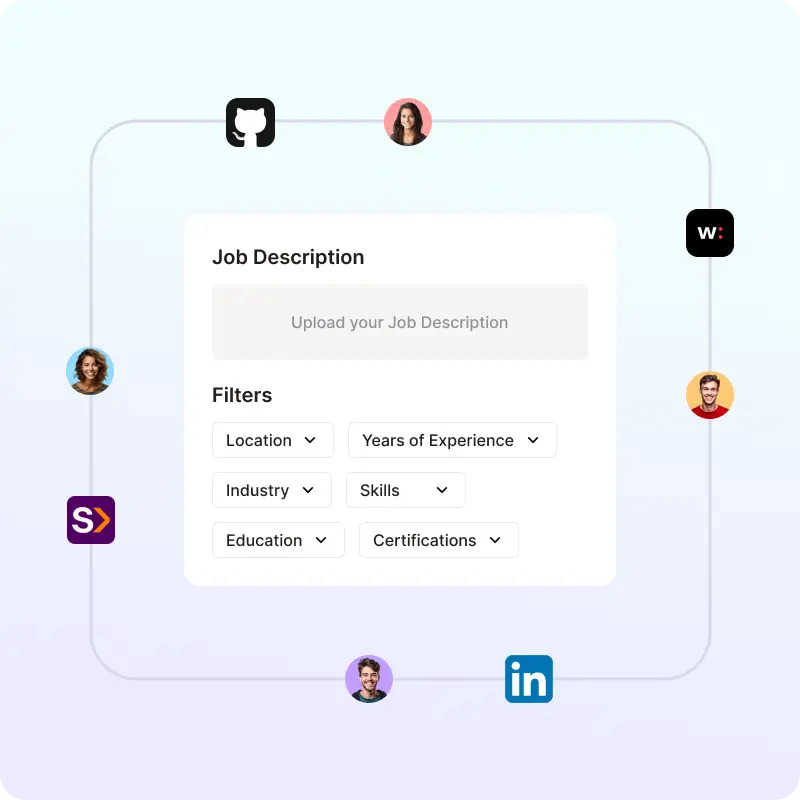
Litespace automates sourcing, screening, and interviewing, helping you hire top talent faster and more efficiently.
Last updated: March 1, 2026

Prompt Builder
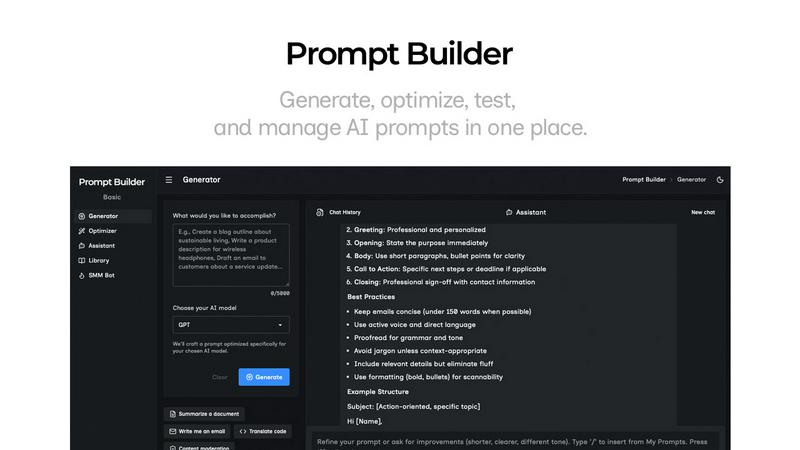
Generate, optimize, test, and manage AI prompts in one place. Turn an idea into a ready-to-use prompt in seconds.
Visual Comparison
Litespace
Prompt Builder
Overview
About Litespace
Litespace is an innovative AI-driven recruitment platform designed specifically for recruiters, offering a comprehensive suite of tools to enhance and simplify the hiring process. It serves as a full-cycle AI recruiting assistant, enabling talent acquisition teams and hiring managers to efficiently identify, engage, and evaluate top candidates. With Litespace, the traditionally cumbersome tasks of manual sourcing, resume screening, and administrative duties are transformed into an intelligent workflow, allowing recruiters to focus on strategic decision-making and building human connections. The platform's main value proposition lies in its ability to conduct extensive candidate searches across multiple job platforms, meticulously analyze resumes, carry out initial screenings, and synthesize interview insights, all while keeping recruiters in control. By handling the heavy lifting of recruitment, Litespace significantly reduces time-to-hire—from weeks to just days—empowering teams to make confident hiring decisions swiftly and effectively.
About Prompt Builder
Prompt Builder is a prompt engineering workspace for writing, testing, and saving prompts. Describe the task in plain English, and it helps you create a prompt that matches the model you choose. Start with a draft, refine it in chat, save or pin versions, then run them when you are ready. It works with GPT, Claude, Gemini, Llama, Mistral, DeepSeek, Grok, Perplexity, and more. You also get an Optimizer, an assistant for quick tests, and a library of reusable prompts and templates from the community. Turn an idea into a ready-to-use prompt in seconds. Refine it in chat, save it to your Library, and run it anytime.