

Image to Layers AI
Turn any image into editable transparent PNG/PSD layers with AI
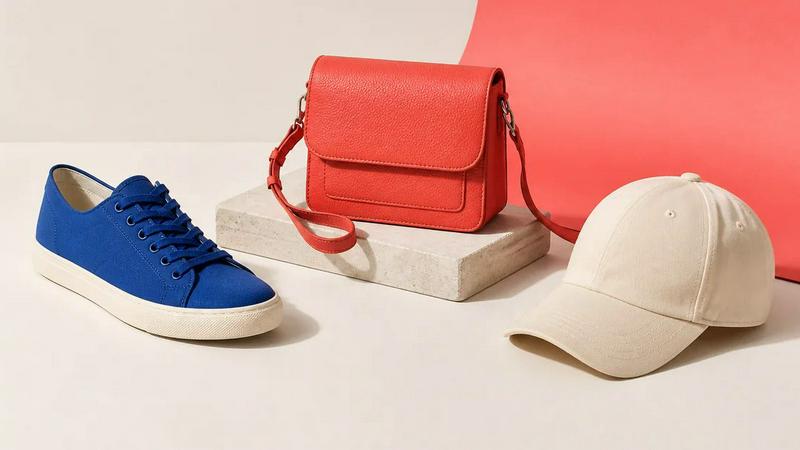
About Image to Layers AI
Turn any image into editable layers with AI. Upload a picture and get the subject, background, and objects as separate transparent PNG (RGBA) layers in about a minute. Works in any editor like Photoshop, Figma, or After Effects. Ideal for designers, motion artists, and developers who need quick, clean layer stacks without manual masking.
Similar to Image to Layers AI
Promptclay
Free-to-copy AI image prompt library. Each prompt is shown next to the image it made.
RestoreOldPhoto
Restore old photos with RestoreOldPhoto.ai: repair scratches, creases and fading, sharpen faces and details, and optionally colorize family memories.
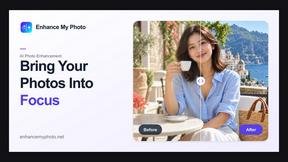
Enhance My Photo
Online AI photo enhancer that sharpens portraits, products, scenery, pets and text images and exports them as JPEG, PNG or WebP without watermarks.
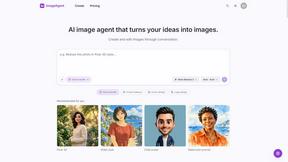
ImageAgent
Create and edit AI images through conversation, using text or reference images and refining results in chat.
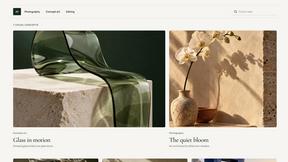
Qwen Image 2.1
Qwen Image 2.1 is an AI image-generation and editing studio for turning ideas into vivid visuals, from portraits to product shots.
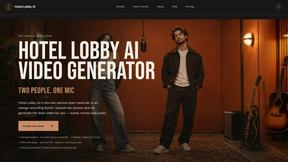
Hotel Lobby AI
Turn two separate portraits into an orange-booth duet video with motion transfer, lip-sync, and audio.
GenX
All-in-one AI workspace to generate images, videos, and audio with multiple leading AI models.
AiAgeFilter
Free AI age filter: upload an adult portrait, add 10-40 years, meet your older self. No app needed.